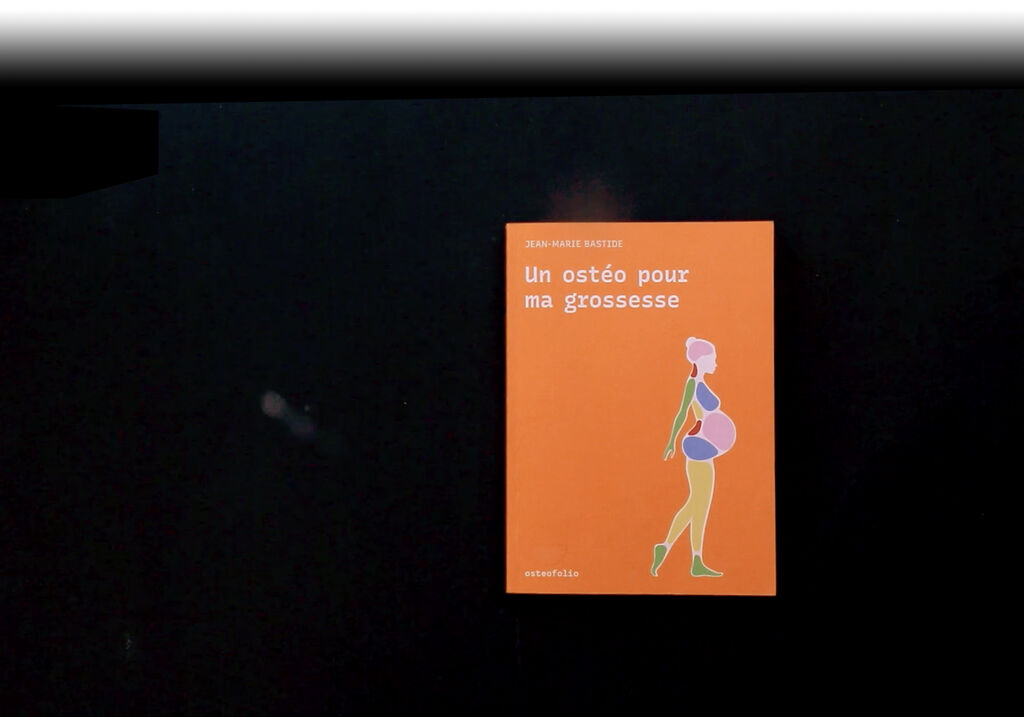
Un ostéo pour ma grossesse
…Text in progress…
Publisher Presentation :
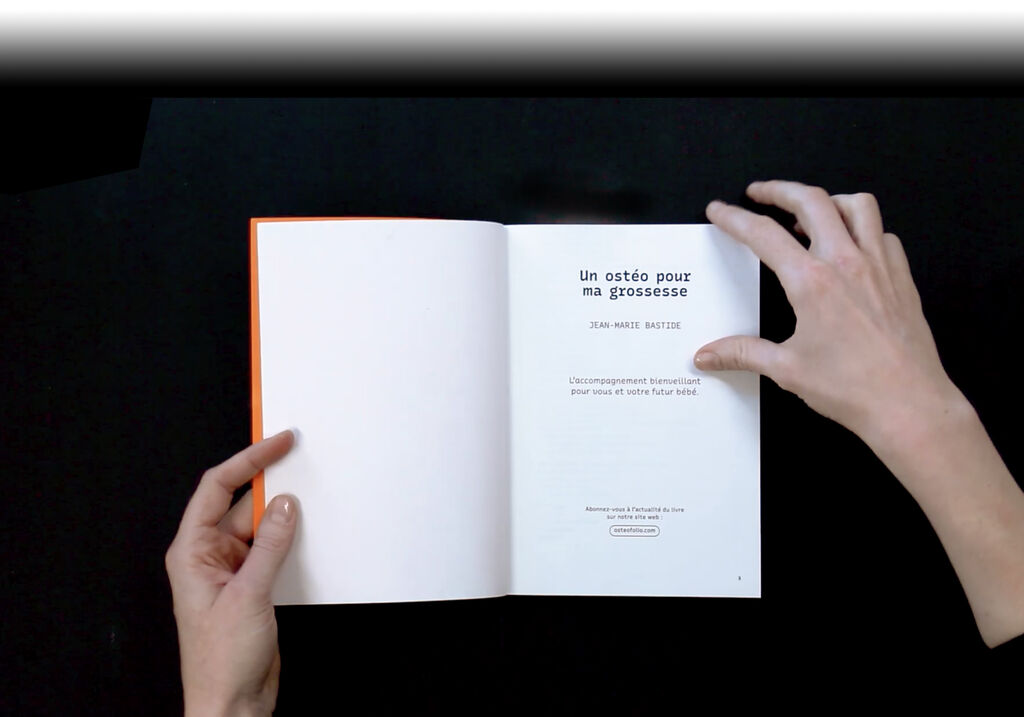
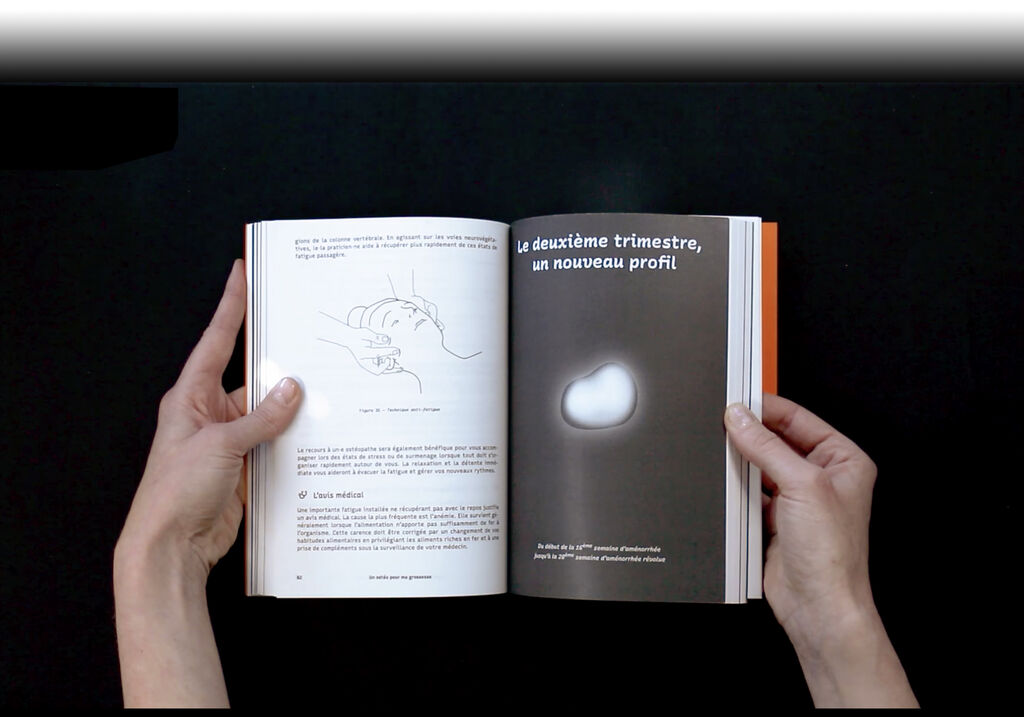
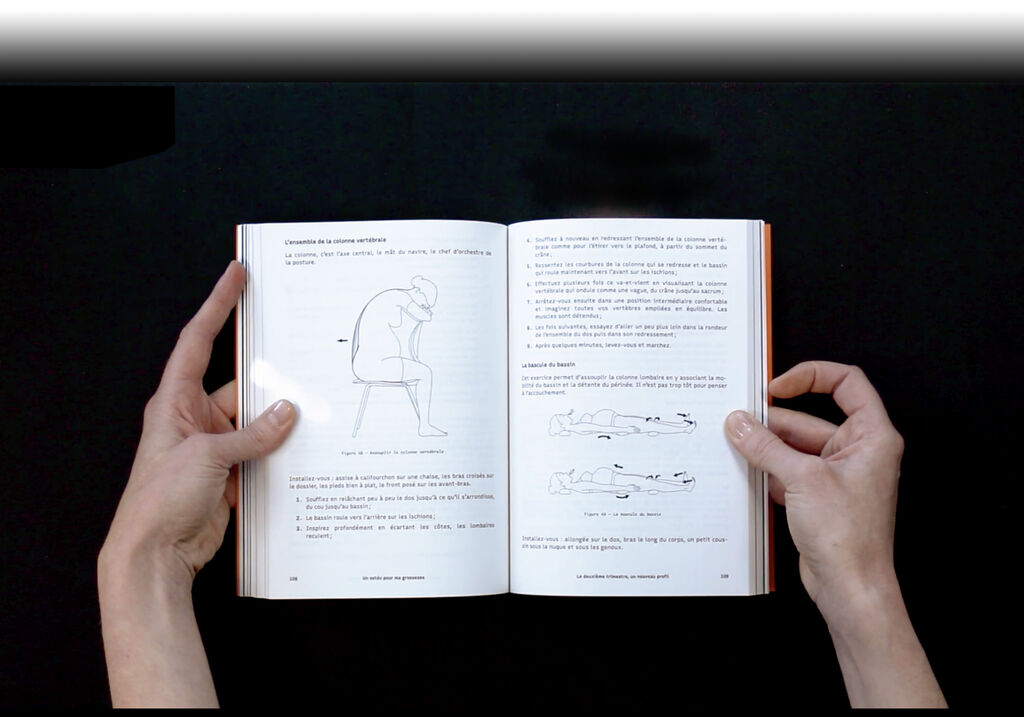
This book is for anyone who wants to learn more about the pregnancy process. This obviously includes women, all women, but also their loved ones and healthcare professionals. Written by an osteopath and richly illustrated, this book lists the main situations encountered during pregnancy that can be treated naturally with osteopathy. Pregnant women will find simple explanations to help them understand the changes in their bodies, advice for everyday life, suitable exercises, and the various reasons for consulting an osteopath during the nine months of pregnancy.
Toolchain
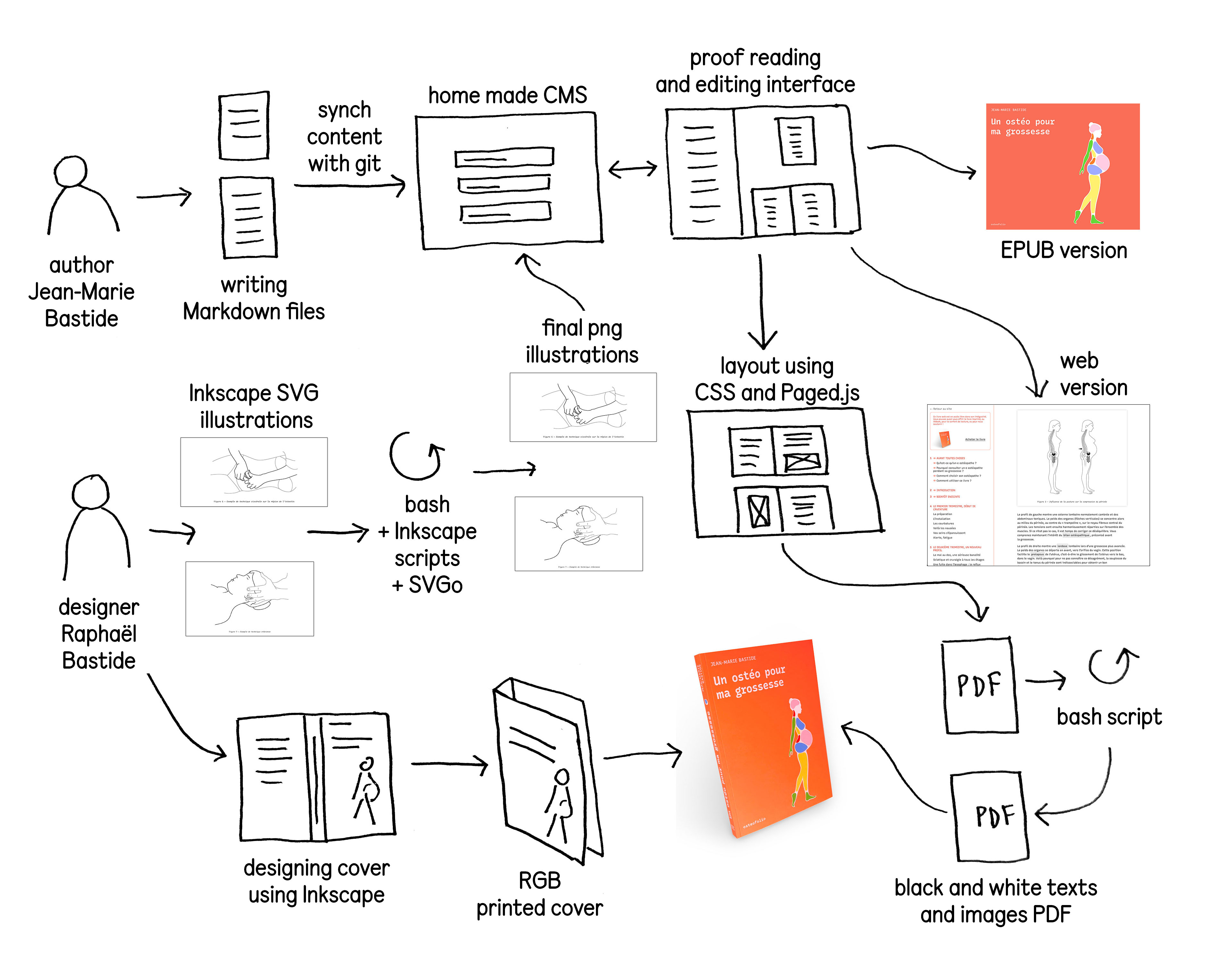
Markdown > Git > Home-made CMS (HTML, PHP and JavaScript) > SVG Illustrations (Inkscape + Bash scripts) > CSS + Paged.js > PDF
Infos
Type
Book
Author(s)
Jean-Marie Bastide
Designer(s)
Raphaël Bastide
Publisher
Osteofolio
Printing
Digital black and white (inside) + Digital RGB (cover)
Pages
188
Binding
Perfect binding
Size
150 × 210mm
Technologies
HTML, PHP, JavaScript, Paged.js, SVG, Bash
Year
2021
Copies
250
Language
French
Author (Jean-Marie Bastide)
Designer (Raphaël Bastide)
Designer (Raphaël Bastide)
Designer (Raphaël Bastide)
Printer (AGL à Maurin)
Markdown (writing)
AugmentedMarkdown (Regex)
Github
Homemade CMS
Homemade CMS
CMS Maison
CSS
PagedJS
Inkscape + Bash
SVGo
Bash
Digital printing
Writing in Markdown
Pushing on Github
CMS automatically synchronizes with Github
Layout in Paged.js and CSS
SVG Illustrations format and batch processed with a bash script that calls Inkscape from the command line: Change colours and line thickness (path) from the command line – regex with ced (bash)
Inkscape CLI script => text to path + export SVG to PNG with Inkscape script
+ SVGo (SVG optimised) => to optimise SVG files
Cover made with Inkscape
Using bash regex script: converting svg colors to black and white for printing
Printing Black and white inside
Printing digital RGB cover
Texts in Markdonw on Github and in the CMS
Web page
Pre-print edition / proofreading interface
Web page
Book in progress
Epub in progress
1 black and white PDF ready to print
1 color PDF ready to print for cover
Book
Epub does not accept SVG, so there was an issue with images.
Solution : Inkscape CLI to convert SVG to PNG
Issues with line thickness
How to deal with large empty spaces ?
Solution: Manage them manually
Collecting data
Author (Jean-Marie Bastide)
Markdown (writing)
AugmentedMarkdown (Regex)
Github
Writing in Markdown
Pushing on Github
Texts in Markdonw on Github and in the CMS
Transforming data
Designer (Raphaël Bastide)
Homemade CMS
CMS automatically synchronizes with Github
Web page
Epub does not accept SVG, so there was an issue with images.
Solution : Inkscape CLI to convert SVG to PNG
Issues with line thickness
Layout
Designer (Raphaël Bastide)
Homemade CMS
CMS Maison
CSS
PagedJS
Inkscape + Bash
SVGo
Layout in Paged.js and CSS
SVG Illustrations format and batch processed with a bash script that calls Inkscape from the command line: Change colours and line thickness (path) from the command line – regex with ced (bash)
Inkscape CLI script => text to path + export SVG to PNG with Inkscape script
+ SVGo (SVG optimised) => to optimise SVG files
Cover made with Inkscape
Pre-print edition / proofreading interface
Web page
Book in progress
Epub in progress
How to deal with large empty spaces ?
Solution: Manage them manually
Exporting
Designer (Raphaël Bastide)
Bash
Using bash regex script: converting svg colors to black and white for printing
1 black and white PDF ready to print
1 color PDF ready to print for cover
Printing
Printer (AGL à Maurin)
Digital printing
Printing Black and white inside
Printing digital RGB cover
Book